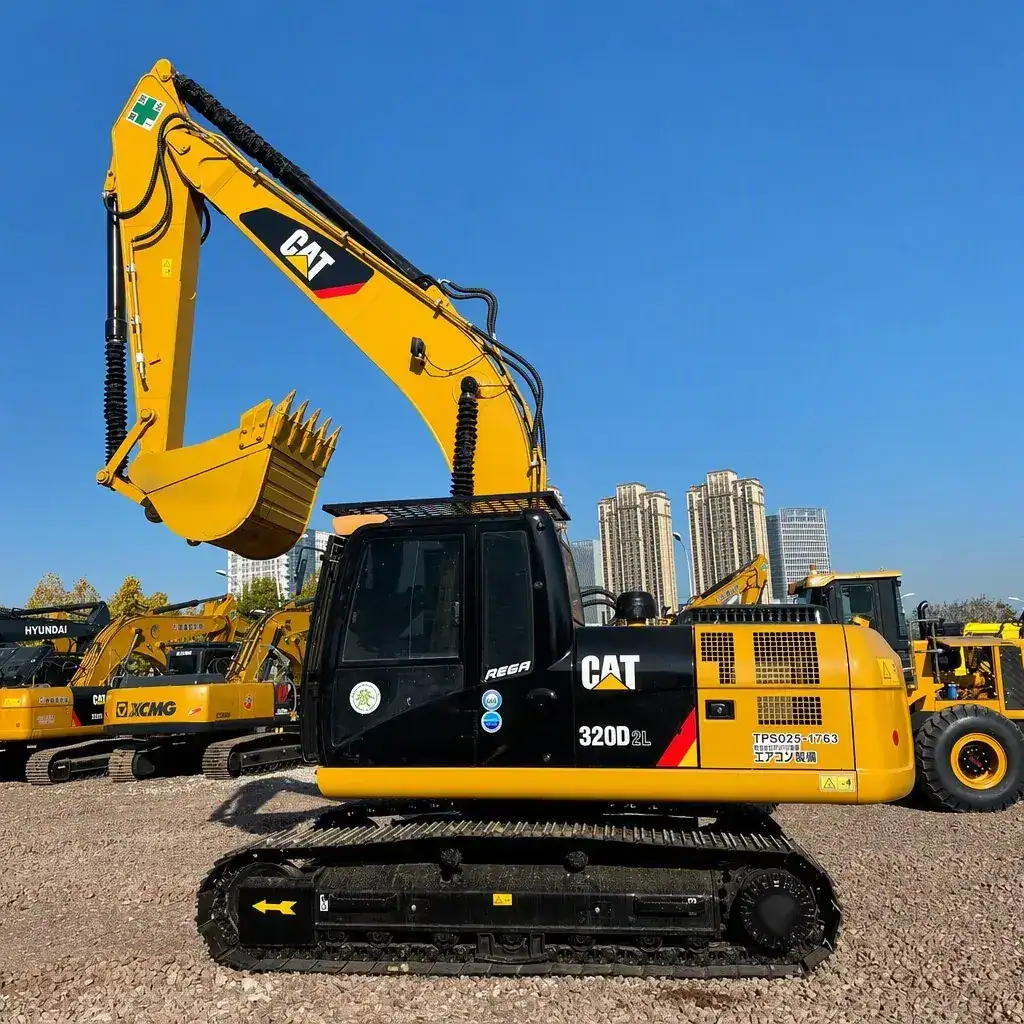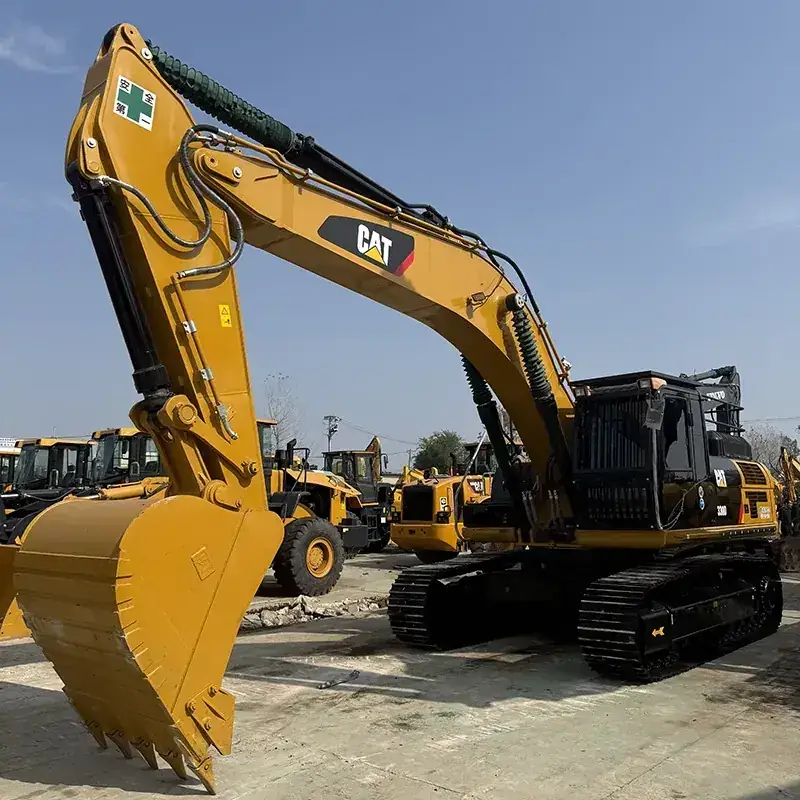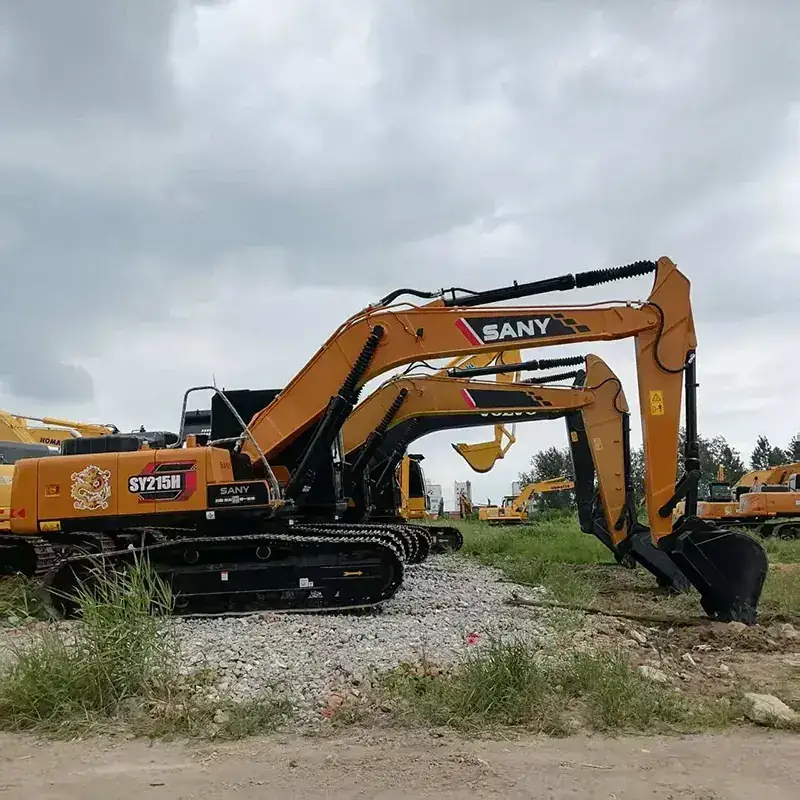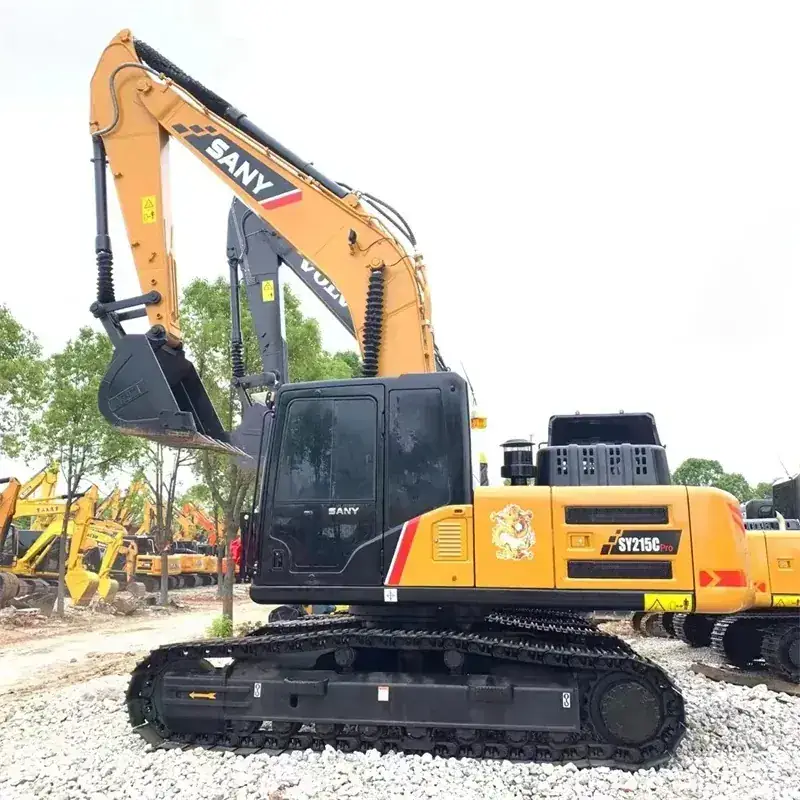
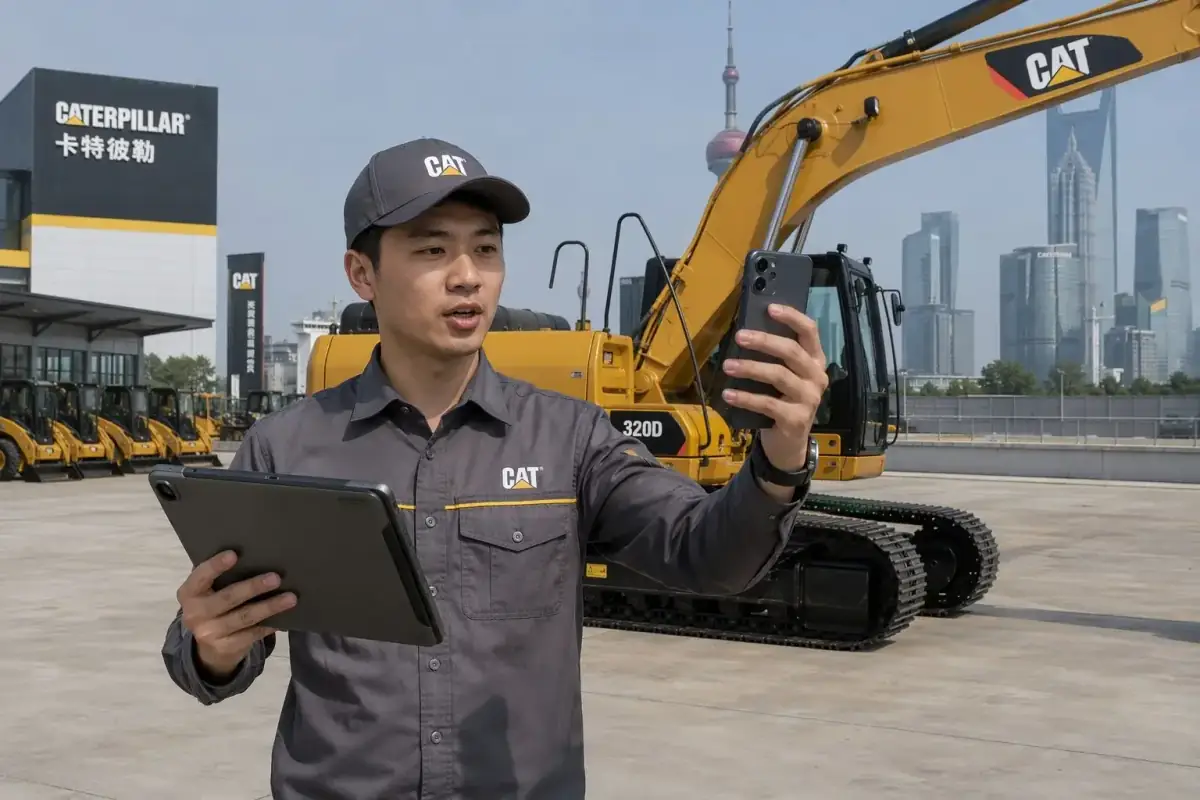
Remote buying is now a normal part of used-equipment sourcing, but it changes the question a buyer must answer. The task is not simply to decide whether an excavator looks clean in photographs. It is to prove that the exact machine in the video, inspection file, contract, and shipping documents is the machine that will be loaded.
This guide addresses recurring buyer questions in heavy-equipment discussions: how to check a used excavator remotely, whether an auction report is enough, what a cold-start video should show, and how to evaluate the undercarriage, hydraulic system, pins, slew ring, and final drives without standing beside the machine. Those discussions are useful prompts, but they are not a substitute for an inspection of a specific unit.
Executive summary
A defensible remote purchase file connects one unit identifier to every piece of evidence. Start with the serial/PIN and engine plate. Then request uncut operating video, condition evidence, and an inspection scope that reflects your work. Before paying, reconcile that identity with the contract, invoice, packing list, and loading photographs. A low headline price or a polished gallery does not replace that chain of evidence.
1. Start with the exact-machine identity
Ask for clear, current images of the serial/PIN plate, engine plate, and displayed hour meter. The images should be readable, not cropped so tightly that the machine context disappears. A useful video shows the plate on the machine, then moves naturally to the cab and the working area. That simple sequence makes it harder to reuse a convenient photograph from a different unit.
Record the identifier in your comparison sheet and repeat it on every request: the inspection report, sales contract, commercial invoice, packing list, bill of lading instructions, and loading photographs should all refer to the same unit. If a seller supplies a different serial, changes the explanation, or cannot show the plate, pause the transaction until the mismatch is resolved in writing.
2. Request an uncut cold-start and walk-around video
For a used excavator video inspection, a short polished montage is not enough. Ask for a continuous clip that begins before the engine starts. It should show the key, dashboard, hour meter, and initial exhaust, followed by a walk-around after the machine has warmed. This does not diagnose every internal condition, but it gives the buyer a much stronger basis for asking follow-up questions about smoke, warning indicators, leaks, or abnormal noise.
Keep the request practical. You do not need a cinematic production. You need video that lets you identify the machine and see the operating sequence without unexplained edits. If the intended attachment or application is important, state it in advance so the demonstration can show the relevant auxiliary lines, bucket arrangement, or working movement.
3. Test the hydraulic system under a realistic sequence
Hydraulic behavior is a repeated concern in buyer discussions because a machine can look tidy while still showing weak or uneven operation. Ask the operator to warm the excavator and demonstrate boom, arm, bucket, swing, and travel functions. Where it is safe to do so, ask for combined movements that resemble the work you expect, such as boom-up with swing and bucket curl.
Use the video to identify questions, not to make a laboratory claim. Note hesitation, inconsistent movement, visible hose leaks, unusual sounds, or warning messages. Then ask how those observations were assessed in the inspection report. If pressure, flow, or diagnostic readings are presented, request the test conditions, the date, and the unit identifier on the report.
4. Do not treat the hour meter as the whole condition story
Displayed hours are useful, but they are not a complete condition verdict. Compare the number with documented service history, cab and control wear, pedal or joystick condition, seat condition, pin play, undercarriage wear, and any available electronic records. A consistent story across these points is more useful than a single attractive number.
A productive question is: What evidence supports this hour reading for this exact machine? Ask the seller to place the answer in the inspection file, rather than relying on an informal chat message. If the information cannot be confirmed, price and risk should be assessed accordingly.
5. Make undercarriage evidence specific
The used excavator undercarriage inspection should go beyond a wide photo of the tracks. Ask for clear views of track shoes, links, sprockets, rollers, idlers, guards, and the track frame. For crawler excavators, request the measurements or condition notes used by the inspector, together with dated photos. For wheeled machines, ask for tire condition, axle and hub observations, and the relevant tyre specification.
Pay particular attention to uneven wear, damaged shoes, pointed sprocket teeth, leaking rollers or idlers, frame repairs, and abnormal track tension. These observations do not automatically reject a machine; they help you identify what should be reflected in the planned maintenance budget and the agreed condition description.
6. Check joints, swing, final drives, and fluids
Ask for close-up views of the boom foot, stick nose, bucket linkage, and any visible weld repairs. During the working video, observe pin and bushing movement and the swing operation. The seller or inspector should be able to explain any play, repair, or leak noted in the file.
Final drives and fluid condition deserve their own questions. Request images of the relevant housings, seals, and access points, and ask whether the inspection included checks for leaks, contamination, or abnormal noises. If laboratory fluid analysis is offered, treat it as supporting evidence: the report should identify the sample date and the unit it came from.
7. Separate mechanical evidence from export paperwork
A mechanical inspection and an export document pack solve different problems. Mechanical evidence helps you assess the equipment. The export file helps identify the seller, unit, shipment, and commercial terms. Before payment or loading, compare the seller name, buyer name, machine identifier, description, and destination across the signed contract, commercial invoice, packing list, and any shipment instructions.
Import classification, age rules, inspection requirements, duties, and customs documents vary by destination and can change. Confirm current requirements with the destination customs authority, a licensed broker, or the appointed inspection body before you commit to a machine or sailing plan.
8. Use an independent inspection when the risk justifies it
For a significant purchase, an independent inspector can provide a separate view of the machine and its identity. Agree the scope before booking: list the systems to be checked, whether operating tests are required, the documentation you need, and the photos or video expected. The report is most useful when it records the same serial/PIN that will appear in the contract and export documents.
Independence does not mean infallibility. Read the limits of the report, ask what could not be tested, and keep its source files with your purchase record. A clear scope and a clear identity trail are more valuable than a generic certificate.
Buyer checklist: evidence to collect before payment
- Serial/PIN plate, engine plate, and hour-meter images for the exact unit.
- One uncut cold-start and operating video showing the same machine.
- Inspection findings tied to the unit identifier, date, and scope.
- Undercarriage, joint, leak, and final-drive evidence appropriate to the machine type.
- Written clarification for material repairs, known faults, or missing records.
- A contract and commercial documents that repeat the same machine identity.
- A destination-specific check of current import and clearance requirements.
Conclusion: buy the evidence trail, not the gallery
Remote inspection works best when it follows a repeatable sequence: identify the unit, watch it start and work, inspect the wear areas that matter for the job, reconcile the documents, and obtain independent help where the purchase risk warrants it. Use the process to compare candidates consistently, whether you are considering an auction listing, a dealer offer, or a direct export enquiry.
For examples of model-specific information, browse current used equipment listings and request verification material for the exact unit. You can also review the used excavator purchase verification checklist before preparing an enquiry.